8 Years on Unraid: Was It Worth It?
The Unraid logo — word mark on top of its pictorial mark — on an abstract gradient background.
After building my first NAS and running Unraid for almost 2 decades — what did I learn and what would I have done differently? And despite the price changes, is it still worth purchasing?
This article is the first part of a series detailing my home lab journey.
Preface
I want to get this out of the way first — I’m not a Sys Admin. You’ll understand this soon as you read through, but I just happen to be someone who has a specific set of niche hobbies, and have digital life goals that it let me to this rabbit hole of a home lab.
Written by a Human
I believe in human ingenuity and our capability to be creative — this is one of those cases.
Generative AI was used to:
- Nothing — No Gen AI, in any level or capacity, was used in writing and creation of this work, including all media materials. This means no providing feedback, making an influence, nor rewriting parts of the story.
Machine Learning was used to:
- Perform a grammar and spell check.
About Me and NAS Basics
You can read more about me here for the TLDR, but if you want to read along — my little noggin has always been into computers. I suspect the very first thing I saw coming out of my mom’s womb was probably a screen, that’s how early my interest in tech grew. I inevitably pursued getting an IT program, seeking an IT profession, and forming hobbies around personal computers. That’s where, I would say, most tech nerds stop. I don’t know when and how exactly I got into NAS, but it’s probably because of 3 things — my tech-infused brain needs something to play with, I’m a data hoarder, and Linus Tech Tips.
A NAS or Network Attached Storage in its most basic definition, is, well, in the name. It’s a computing device whose primary purpose is to be a storage medium that lives in your local network. Compared to a USB drive that you connect to one device at a time for example, a NAS is something that anyone (or any device) can access as long as they’re in your network, like your home Wi-Fi. I’m oversimplifying, but that’s what I think even a basic NAS should be able to do — and that’s exactly how my NAS started, too.
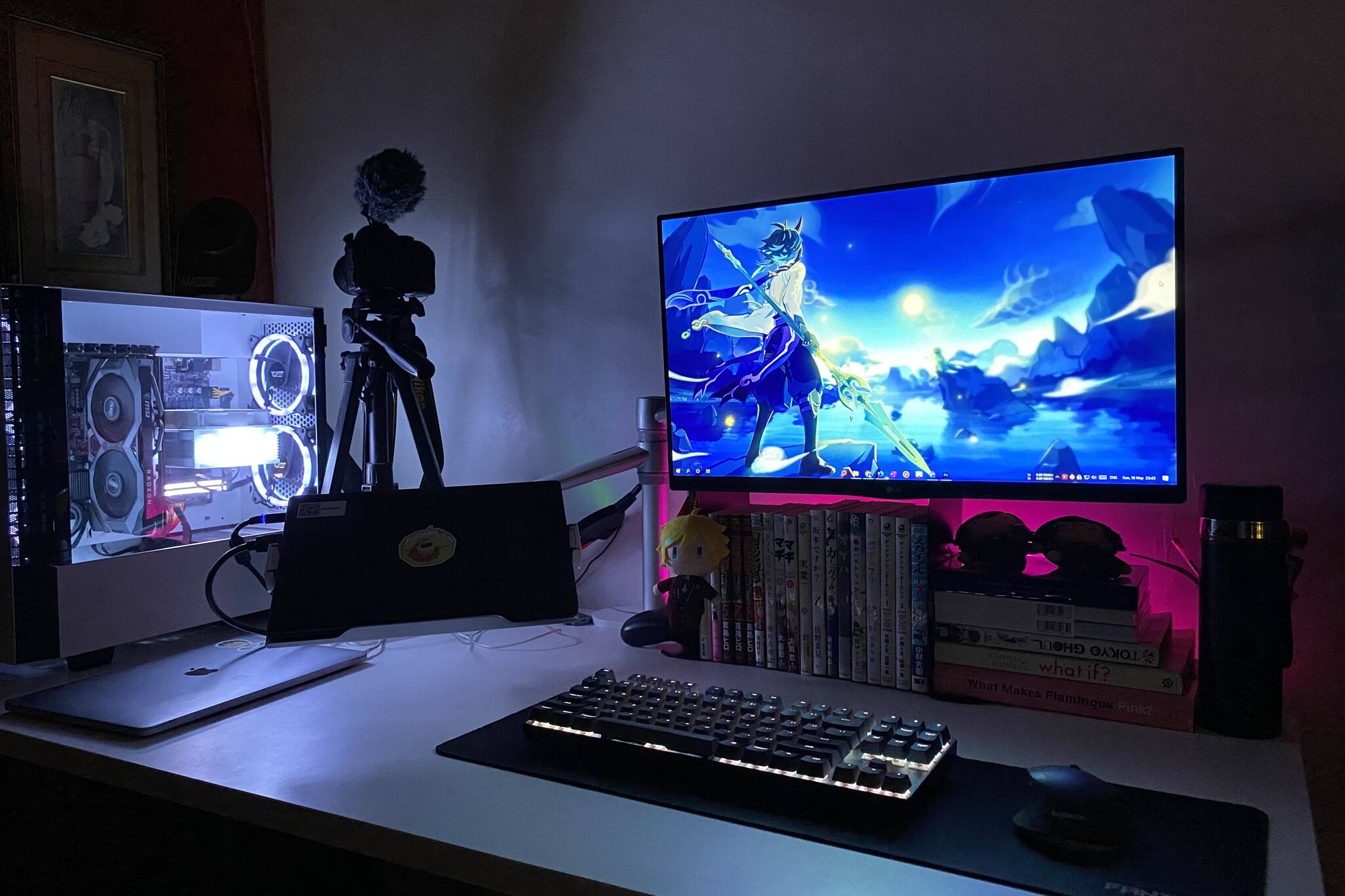
I built a gaming PC for myself when I was just starting my career — it was my first biggest cumulative purchase. It was the only thing I was looking forward to coming back from work, and it was the actual first PC that I can call my own. I can quite literally make it explode and no one will give a damn.
It was a taste of that tech liberty that let me explore with next to no consequences. At some point, I got into anime, graphic design and photography — a random concoction of distractions that filled up my hard drive. Photos, anime episodes, templates, videos, and everything media with considerable file sizes that made me require getting a bigger drive, if I don't want to delete them that is.
I started with a 250 GB HDD, then upgraded to 500 GB, then 1 TB, then 2 TB — but even that wasn’t enough. In addition to growing my digital collection (and potentially culminating an expensive hobby), I wanted them to be always available — like Facebook photos that I can browse on my phone at any given time, but I did not want to pay for cloud storage (not in a million years). Not only that, I didn’t have a backup. Hard drives are extremely fragile, one drop and it’s dead.
If you like tech then I’m sure you’ve heard or seen Linus Tech Tips — a “Tech YouTuber”. He features consumer electronics, wacky computer components, and home lab content, in addition to many more. He had a phase where he was really into Unraid — a NAS operating system. Unraid built a community around it and Linus probably was its biggest ambassador at the time. I remember LTT being shown as a feature in its homepage, which was also the reason I know what NAS is that despite being in IT, it’s actually not in my field of work.
I saw Unraid as the perfect next upgrade path for me because it can serve my current workflows, it’ll also solve my storage problems, and I want an always-online availability of my files.
Why Unraid
I also did a lot of research on my own. Unraid isn’t the only option, there are other competing NAS OSes out there like TrueNAS, or even just building your own headless Linux distro designed with NAS in mind. But there was no competition in my mind, it was the only way. To name a few reasons:
- I can mix any drive
Since it doesn’t do RAIDs (true at the time, more on this later), I can mix drives from different manufacturers of any capacity - It’s a cheaper setup
As the reason above, I can get whatever has the best value at the time of purchase - It’s extremely user-friendly for a server-grade OS
I know very little about Linux at the time (and I still am) and having an all-in-one Web UI to manage dockers, VMs and plugins, as suppose to terminal-only, was an underrated selling point - I’ve already watched a lot of content around it
I’m familiar with how it works based from educational content disguised as entertainment - It’s paid
I know, it’s not a good reason, probably the opposite depending on who you ask (specially now, again more about this later). I was afraid of things not working and since I paid for a license, I figured maybe I could get some level of official support instead of solely relying on forums. I ended up not being able to test this because I never needed help outside of community forums.
The Hardware
My server has gone through a fair number of upgrades like you expect from a bog-standard PC, so I'll stick to the current setup to keep it concise. A 14th-gen Intel unlocked CPU, Z690 motherboard, 32 GB of system memory, NVIDIA 5060 Ti 16 GB, 500 GB NVMe Cache, and 20 TB of raw HDD storage — in a Fractal Design Define 7 case.
Like I explained in my 2024 Instagram reel, the server had a long, overdue upgrade because of how much its purpose has changed. For context; CPU jumped 10 generations from a 6th-gen — that's how big the upgrade was. The case is also specially great because it can fit up to 14 3.5" drives in its storage-optimized configuration, perfect for a NAS use case.
I took the hardware planning seriously because I want it to be extremely reliable, and potentially lessen the burden of future upgrades by planning ahead. Overall, I'm proud of the hardware choices I made, and had fun assembling it all together. I was initially scared swapping the motherboard because it might conflict with my array configuration. It can easily go sideways given how many variables were changed — thankfully it was all corroborated.
2 years passed quickly, I still remember the upgrades as if it happened recently — but I'm proud to report that all that planning was rewarded gracefully. Reliability has been excellent — only having issues when I genuinely don't know what I'm doing, and upgrades also happen swiftly — from adding drives and other hardware. Couldn't be more proud.
Is It Still Worth It?
Features
Unraid, as the name implies, is against RAID — or at least it used to be. One of Unraid’s main selling points is that you can mix and match drives. It doesn’t matter what capacity you install — it will be detected and ready to use. Outside the one rule that array drives cannot be larger than the parity drive, this setup is extremely intuitive and user-friendly. Compared to strategizing capacity requirements and planning VDEVs beforehand like what you would do on TrueNas.
It’s still true today, but Unraid added ZFS pools support, a RAID setup, in 2023 making array setups more flexible than ever. You can even have both a traditional Unraid array and ZFS pools next to each other in the same server.
Pricing
Unraid is an amazing piece of software, but it’s also paid. I’d imagine this is also the main friction to many homelabbers — it’s hard to consider picking Unraid when free options out there exist.
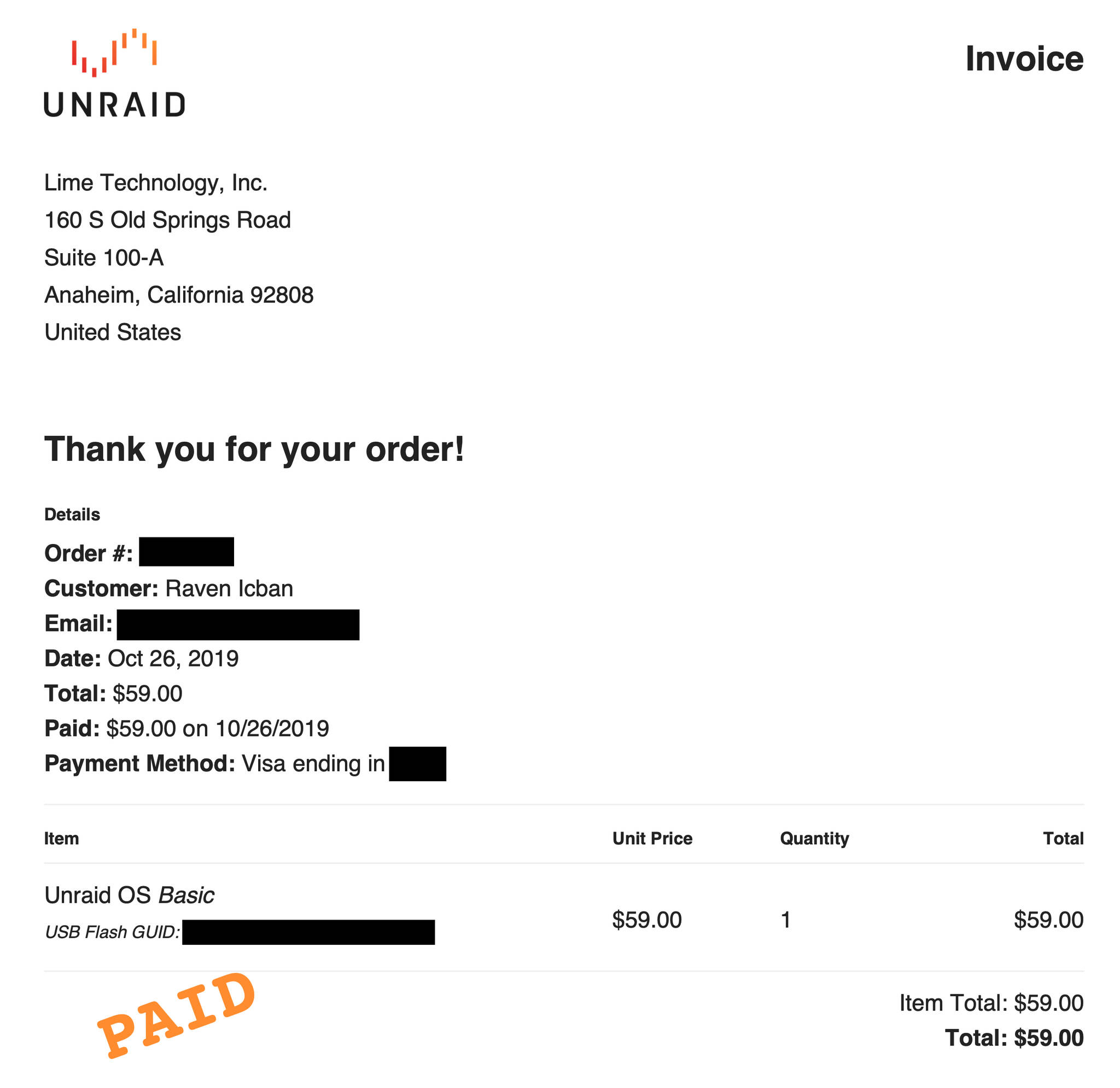
In 2019, I purchased my license for $59 for a Basic plan, which restricted me to only 6 array drives. Plenty for me back then. But now, it’s;
- $49 for 6 drives (called Starter) + 1 year of updates or;
- $109 for unlimited drives (called Unleashed) + 1 year of updates, and;
- $36 per year if you want continuous software updates — that you’re free to skip because you can continue using the license even beyond the 1-year upgrade period, just minus the updates of course.
- There’s also a $249 option for unlimited drives and lifetime updates meaning you will have to use and upgrade your server for almost 4 years before you get an ROI compared to Unleashed with annual upgrade extensions.
It’s also non-open source. Many people believe this is a strong requirement for such important piece of software that process your data. For other people, open-source doesn’t guarantee anything. Both can be true at the same time, and I’ll leave that decision to you. Personally, I found this a concern initially and it was definitely part of my consideration before going all in. But 8 years later, despite them having controversies surrounding security patches, I’ve grown to trust LimeTech. Other competing OSes also have suffered security vulnerabilities, but LimeTech does try to address them and is getting better.
Additionally, if your main reason for considering Unraid is for mix and matching drives without RAID, you don’t have a lot of options. OpenMediaVault runs similarly, but it doesn’t calculate parity in real-time like Unraid does, but it’s free. You can also DIY it like I said in the beginning, but I still believe that Unraid is a well-regarded user-friendly NAS OS. It being built on top of Linux, advanced users familiar with the terminal can perform advanced tasks if they need or want to — making their asking price justified.
What’s Next?
I’ll go over what I’m running on my homelab — Docker containers and virtual machines, especially ones that impact my everyday life, and even save me money. This is the part where I should provide you with the link to said article, but it’s not quite ready yet! Come back soon, hopefully it’s published once you’re back, or you can sign up to my newsletter to get notified (no spam, no selling of email, I promise).
Interested in Unraid? Try it here!